ParentSquare
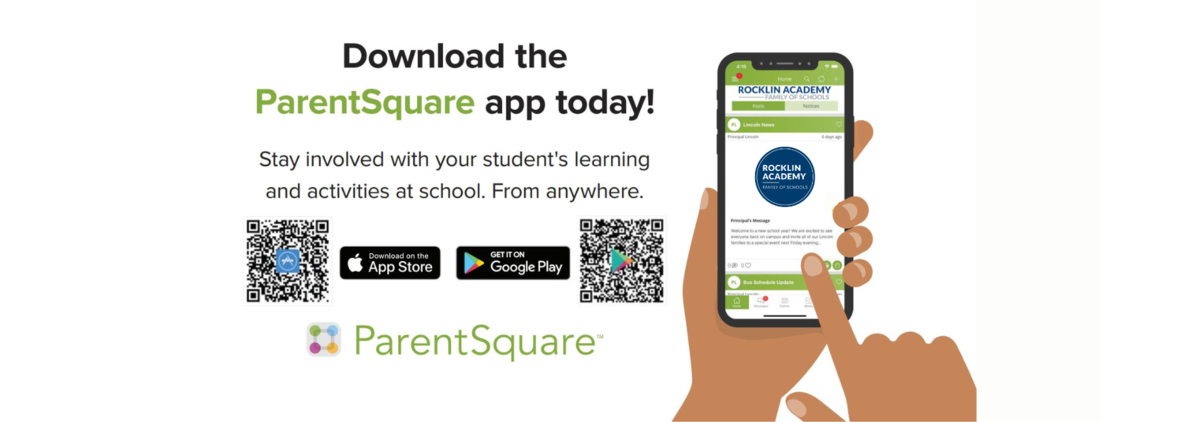
 RAFOS uses ParentSquare for school communication, primarily through email, text messages, and app notifications. Each parent is automatically assigned an account using their preferred email address and phone number. We encourage parents to log in, download the mobile app, and customize their notification preferences.
Parent Square allows you to:
- Receive messages via email, text or app notification
- Receive information when it is sent or in a daily digest at the end of the day
- Translate newsletters and documents in real-time
- Receive important updates and announcements
- Easily access school activities, volunteer opportunities and events
- Sign up for parent- teacher conferences
- Many more ways to receive and communicate with school.
Frequently Asked Questions
What is ParentSquare?
ParentSquare is the communication platform used by Rocklin Academy Family of Schools (RAFOS) to send important updates, announcements, and emergency notifications to families via email, text, and mobile app notifications.
How do I access ParentSquare?
You can access ParentSquare through:
- The ParentSquare mobile app (available for iOS and Android)
- The website at www.parentsquare.com
How is my ParentSquare account created?
Your ParentSquare account is automatically set up using the email and phone number associated with your child’s PowerSchool Parent Portal account.
Notifications & Preferences
How do I update my contact information?
Your contact details are linked to PowerSchool. To update them, log into the PowerSchool Parent Portal or contact your child's school.
How do I adjust my notification settings?
In ParentSquare, go to “My Account” → “Notification Settings” to customize how and when you receive messages (Instant, Digest, or Off) for email, text, and app notifications.
Can I change the language of my messages?
Yes! ParentSquare offers automatic translations. You can select your preferred language under “My Account” → “Language Settings.”
Messaging & Communication
Can I contact my child’s teacher through ParentSquare?
Yes! ParentSquare allows parents to send direct messages to teachers and school staff through the app or website.
What if I’m not receiving ParentSquare messages?
- Check your Notification Settings in ParentSquare.
- Ensure your email and phone number are correct in the Aeries Parent Portal.
- Check your spam/junk folder for missed emails.
Can I opt out of ParentSquare messages?
You can adjust your notification preferences, but urgent alerts (such as emergency notifications) cannot be turned off.
Technical Issues & Troubleshooting
What if I forgot my ParentSquare password?
Click “Forgot Password” on the ParentSquare login page and follow the prompts to reset it.
Do I need to pay for ParentSquare?
No, ParentSquare is completely free for RAFOS families.
Who do I contact for ParentSquare help?
For technical issues, visit the ParentSquare Help Center or contact your child’s school office for assistance with your account.